Page 4 - Installation and Conclusion

Installing my system into the HYTE X50 was a straightforward process. Starting at the back, I slotted the be quiet! Straight Power 12 1200W at the top and secured it in place. With the power supply's 18.0cm length, there is still quite a bit of space in the attic. There is up to 223mm of space here for the unit and its cables, which was more than enough room to store excess wires here. I should note there was something rough at the top of this area that scratched up my power supply when I was moving it in and out. It is a small but easily fixable aspect. I continued by routing all the required cables into place. I did not end up using any of the drive cages, as I only have M.2 storage options in this system.

In the primary area of the HYTE X50, I installed my ASUS ProArt X870E-Creator Wi-Fi motherboard with an AMD Ryzen 7 9700X mounted inside. Beside it is a Crucial Pro Overclocking DDR5-6400 2x16GB memory kit. The cooler on top of the processor is the be quiet! Dark Rock Elite. HYTE specifies a maximum 170mm height for air coolers, which is just enough for this bulky cooler. Afterwards, I mounted the EVGA GeForce RTX 3070 Ti XC3 ULTRA GAMING into the top slot of my motherboard. Its 285.37mm length is still well within the maximum 430mm length here. I continued by plugging the necessary cables and front I/O. As this case does not include an integrated support bracket, I used a Cooler Master Atlas ARGB GPU bracket. Otherwise, the important routing holes were in accessible spots. I still had some excess cables leading out here.

With everything installed, you can see the cabling situation at the back. I used the valley of Velcro straps as much as possible to hold the thicker cables, and they were more than capable. The only set of cables that was not down the middle was the two EPS 8-pin cables, which I could lead up the back side. After everything was installed, there was more than enough clearance, and I had no issues putting the side panels back in place. Other than the scratches left on my power supply, I was quite happy with the whole experience with the HYTE X50.

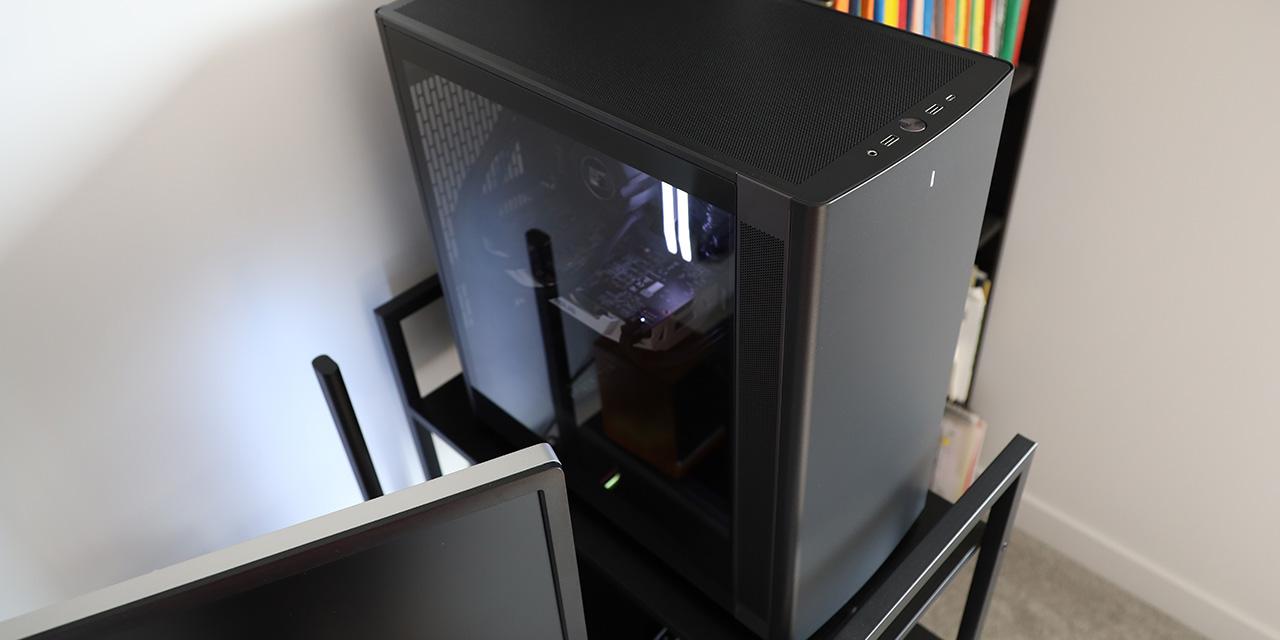
Once plugged in, I powered my system on to hear and see things turned on. The tempered glass pane does not hide any clutter, so it is especially important to keep the primary area clean. This also means all my components are very visible. As there are no fans included with the HYTE X50, there is no sound to evaluate. However, this is a good case to install the color matching HYTE FA12 fans. As for noise suppression, HYTE says the tempered glass is acoustically designed to enhance passive noise damping. However, in our testing I did not really find it made much of a difference.
-----------------------------------------
It is no surprise that the HYTE X50's biggest difference from other cases is its physical appearance, and it makes a statement immediately. Rather than the straight corners and boxy shape, HYTE has swapped it out for a curved and bubbly shape. The result is a rounded box that leans into the bends. Better yet, the commitment to its many colorways is clear, as we have a very vibrant and strong purple with our review unit today. Internally, there is a traditional layout with its open-air concept and sufficient space for taller air coolers, longer expansion cards and power supplies, and multiple locations for mounting fans and radiators. The primary internal change is the relocation of the power supply to the top, which was common up until the late 2000s. The installation process into the HYTE X50 is a seamless one, with ample space, adequate routing holes, and multiple cable tie down points. I really like the silicone-lined holes to protect cables and the organized Velcro strap valley down the middle. With my hardware plugged in and powered on, the HYTE X50 truly stands out. To be fair, there are some things prospective users should be aware of. For one, if you have many storage drives or a motherboard with back connectors, the X50 will not be compatible. The lack of additional hardware like fans or integrated GPU support bracket is also unfortunate. The top mounted power supply shroud also had a sharp part that kept scratching my power supply and this should be remedied. Finally, I wish HYTE would pack their cases in better foam for shipping. Even so, these are small gripes in comparison to an excellent final product. At the time of the review, the X50 can be found for $140 for any color. Overall, the HYTE X50 is a dive back into whimsy, and if you appreciate this style, then it is worth your consideration.

HYTE provided this product to APH Networks for the purposes of evaluation.

APH:Renewal Award | APH Networks Review Focus Summary:
8/10 means Definitely a very good product with drawbacks that are not likely going to matter to the end user.
7/10 means Great product with many advantages and certain insignificant drawbacks, but should be considered before purchasing.
-- Final APH Networks Numeric Rating is 7.8/10
Please note that the APH Networks Numeric Rating system is based off our proprietary guidelines in the Review Focus, and should not be compared to other publications.
The HYTE X50 is a visually striking computer case that combines a cute appearance, many color options, and a functional layout.
Page Index
1. Introduction, Packaging, Specifications
2. Physical Look - Outside
3. Physical Look - Inside
4. Installation and Conclusion