By: Aaron Lai
October 23, 2026
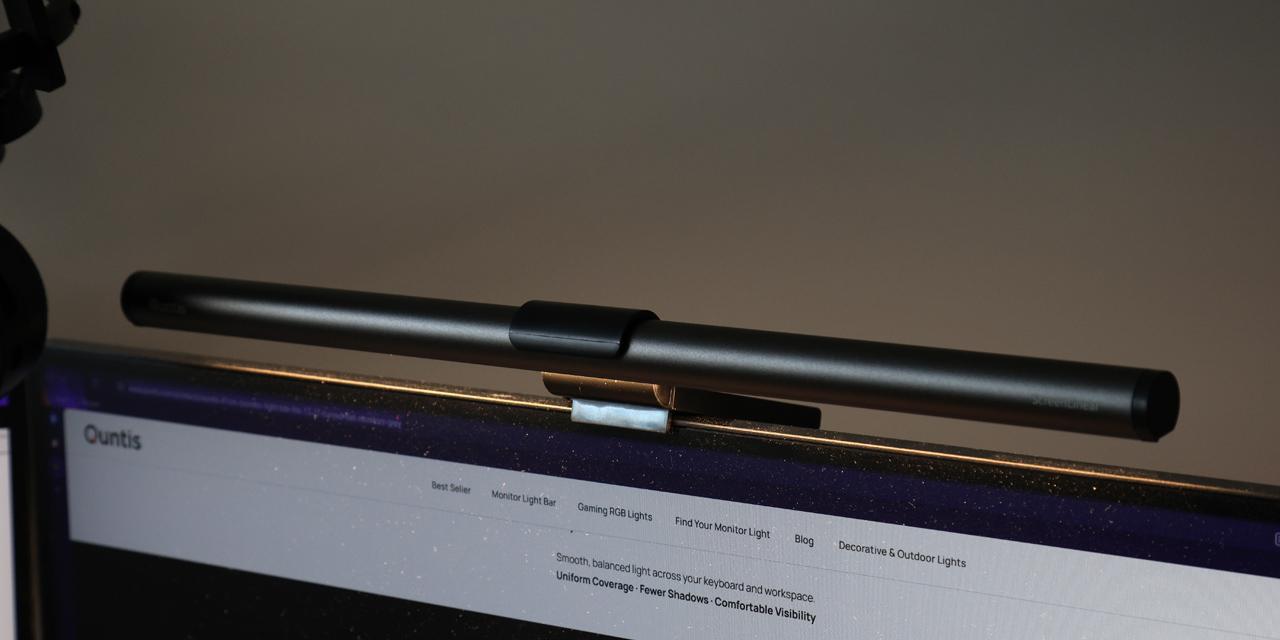
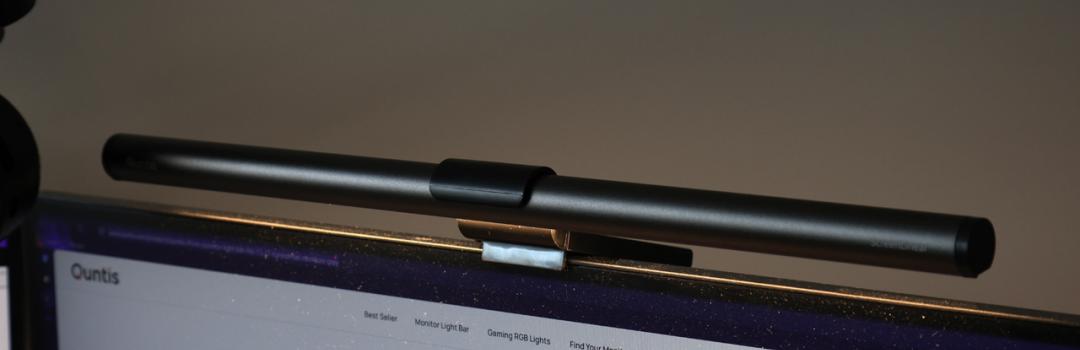
I was recently talking with a friend about a YouTube series called Jet Lag: The Game. For those who might be less aware, this is a competition show about navigating somewhere in the world. In the past, this has included going across USA, Europe, Japan, Taiwan, South Korea, Australia, and New Zealand. There was even one challenge that went across the world in one season. There are different formats like races, Hide and Seek, Capture the Flag, or tag, but they all involve completing challenges, using public transportation, and finding ways to beat the other team. After nineteen competitions and counting, I have seen a pattern that has made watching the game a bit staler. Furthermore, in the most recent runs, one competitor has been winning, and this person is coincidentally my least favorite one on the show. I still enjoy the show quite a bit even with these concession. To me the bigger surprise was realizing other people I knew watched this show. It was introduced to me by Editor-in-Chief Jonathan Kwan, but I never thought my other friends would also be interested. In an analogous way, when Quntis reached out to ask if we wanted to review a monitor light bar, I questioned if there were others who would want this product. I have only seen one or two users of monitor lights. Today, we have the Quntis Monitor Light Bar Focus 41cm Grey, which is a single light meant for screens measuring up to 27". I may not fully understand the market for these products, but I hope today's review will reveal something for you and me!

Today's review unit of the Quntis Monitor Light Bar Focus 41cm Grey arrived from a nearby Amazon's distribution center in Rocky View County, Alberta. Arriving at our APH Networks location in Calgary, Alberta, Canada through Amazon shipping, this corrugated cardboard box was delivered in excellent condition. There are no bumps or bruises on the outside to be concerned about. It is a big longer of a box than I am used to, but the reason for this will become clear soon enough.

The retail container of the Quntis Monitor Light Bar Focus 41cm Grey is standard with the company logo on the top left corner, and the product displayed in the middle. The front says, "Screen Linear Light Remote Control", although I cannot confirm if this is the name of the product. The website refers to this as "41cm Monitor Light Bar", while its online user manual says, "Monitor Light Bar Focus 41 cm Grey". However, this name also encompasses two different models. The only unique identifier is the model number LI-HY-0208-GY. With all this confusion in mind, Quntis should set a more consistent naming for their products, especially since there are differences in features between all their models. The front of the box highlights some key features, including the remote-control capability, a 45-degree asymmetric light design, blue light reduction, memory function, brightness control, and color temperature control. We will explore these features when we do our physical inspection. Around back, we have a few more specifications and features of the monitor light.
Before we continue, I have grabbed the specifications from the user manual for your viewing pleasure:
Weight: 178g (battery not included)
Input Voltage: DC 5V
Model: LI-HY-0208-GY
Power: 7.5W
Input Current: 1.5A
Lamp Size: 20x410mm
Light Source: LED
Remote Power Supply: 2xAAA batteries
Color Rendering Index: Ra ≥ 95
Number of LEDs: 72
Color Temperature: 3000-6500K

Out of the box, all the components are contained within a plastic tray. The LED light bar and stand are separately bagged in their own translucent pouches. A black puck remote control is covered with a plastic cover to prevent marks and scratches on the glossy surface. Other accessories include a pair of AAA batteries and a USB Type-C to Type-A cable that measures approximately 1.8m in length. The Type-C end is terminated in an L-shape. Finally, some documentation about getting started with this provided, as is some advertisement for other Quntis products.
Page Index
1. Introduction, Packaging, Specifications
2. A Closer Look - Hardware
3. Installation and Usage
4. Conclusion